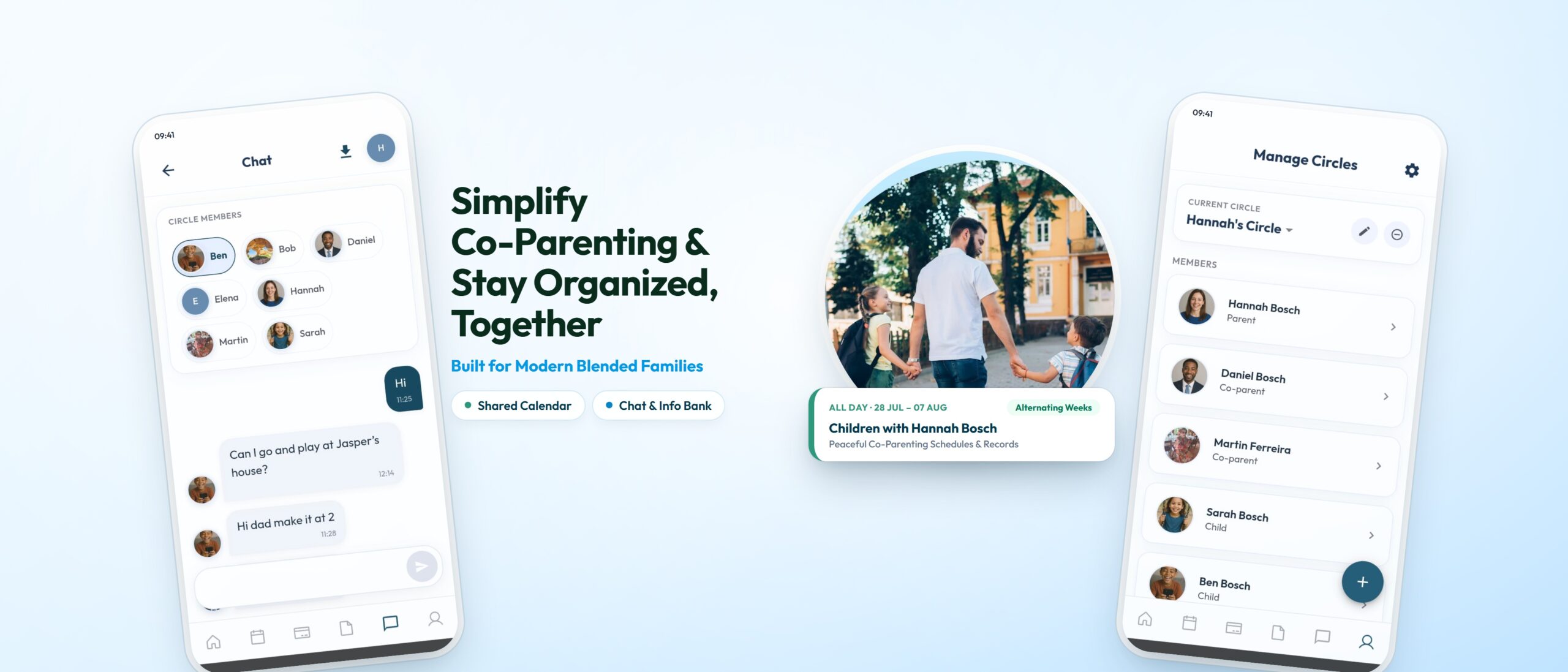
Clear answers about how MyFam 4.0 subscriptions cover your whole family circle, how co-parents and legal professionals join free, and how custody schedules, expenses, and privacy safeguards work across two homes.
Jump to a section: Subscriptions & Free Invites · Custody Schedules & Blended Families · Finances & School Vouchers · Chat Logs, Privacy & Practitioners · Devices & Getting Started
Subscriptions, Invites & Regional Pricing
Does my co-parent have to pay to join MyFam?
No. One organizing parent subscribes for the Family Circle, and the invited co-parent joins free under that active plan with no credit card or second subscription needed. Even if a co-parent has been hesitant to install another app because of extra costs, they can accept your 5-digit invite code at zero cost.
Who else can join my Family Circle for free?
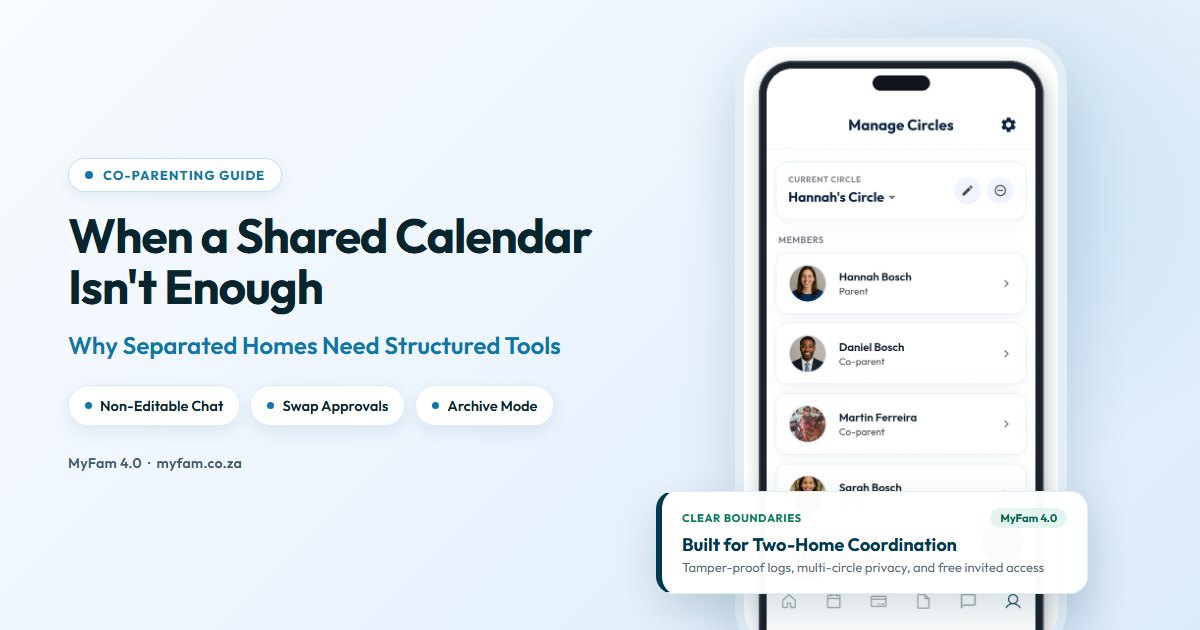
Under one Family Circle subscription, your co-parent, step-parents, children, grandparents, nannies or caregivers, and invited third-party professionals (such as a divorce mediator, family lawyer, or social worker) join completely free. You control who belongs to each circle and can invite members whenever you are ready.
Where do I see exact pricing for my country?
MyFam adjusts subscription pricing locally across 170+ countries so families in South Africa, Australia, Canada, the United Kingdom, the United States, and elsewhere see fair regional pricing. Because rates adapt dynamically by storefront and currency, your exact monthly or annual option is displayed directly inside Apple App Store, Google Play, or Huawei AppGallery before you subscribe.
Can I use MyFam on my own if my co-parent is not ready to join yet?
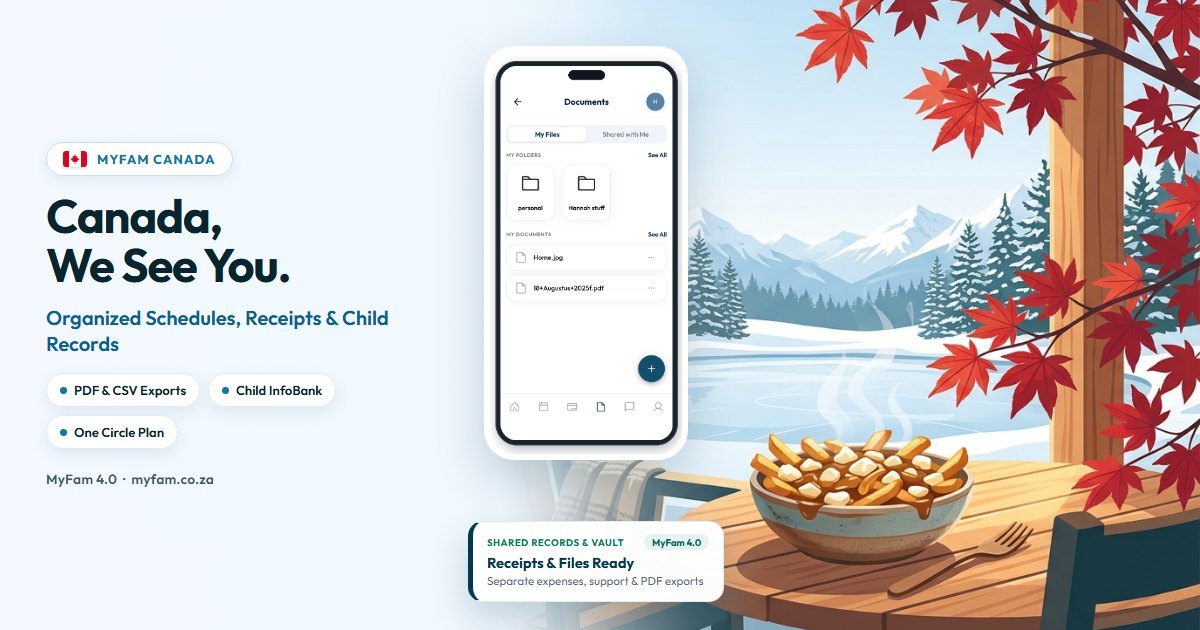
Yes. Many organizing parents start their Family Circle solo to keep alternating-week custody schedules, child expenses, receipts, child support records, and Child InfoBank medical details structured in one place. Whenever your co-parent decides to participate later, you can resend their invite or share a reminder link so they join free anytime.
Custody Schedules, Swap Days & Blended Families
How do custody calendars and Swap Days work?
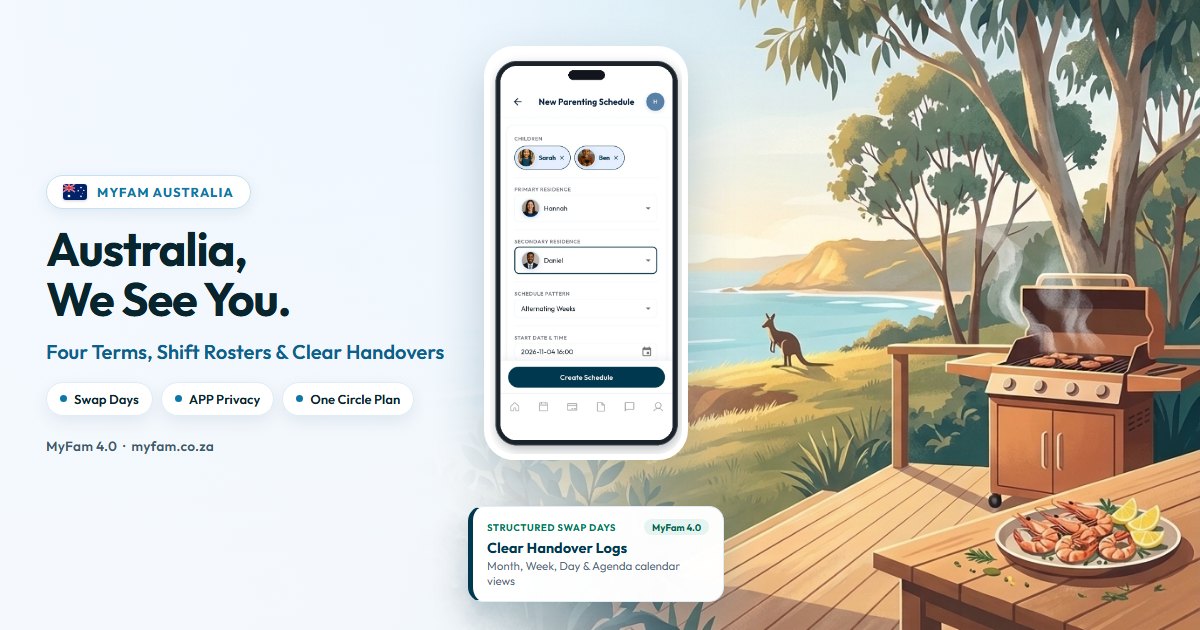
You can build repeating custody patterns (such as alternating weeks or custom rotations) and inspect them across Month, Week, Day, and Agenda views in either Harmonious Light Mode or Serene Midnight Dark Mode. When holiday travel or work shifts require a change, Swap Days lets parents submit structured swap requests with logged approve-or-decline history.
Can I manage more than one Family Circle for a blended family?
Yes. MyFam 4.0 supports multiple Family Circles inside one account, making it practical for blended families coordinating separate parenting schedules, documents, expenses, and chat logs with different households. Each Family Circle keeps its own members, local currency setting, calendars, and records strictly separated.
How do pick-up and drop-off transport requests work?
Instead of burying afternoon school lifts or extramural changes in long chat threads, parents can log structured pick-up and drop-off transport requests right inside MyFam. Authorized caregivers or grandparents in the circle stay clear on times and locations without guessing.
Does MyFam work when co-parents live in different time zones or countries?
Yes. MyFam stores timestamps with UTC accuracy so scheduled events, Swap Days approvals, and chat logs line up cleanly even when one parent travels or lives abroad. Circle members also join for free regardless of which country they reside in.
Finances, Child Support & School Vouchers
How does MyFam separate child support from shared child expenses?
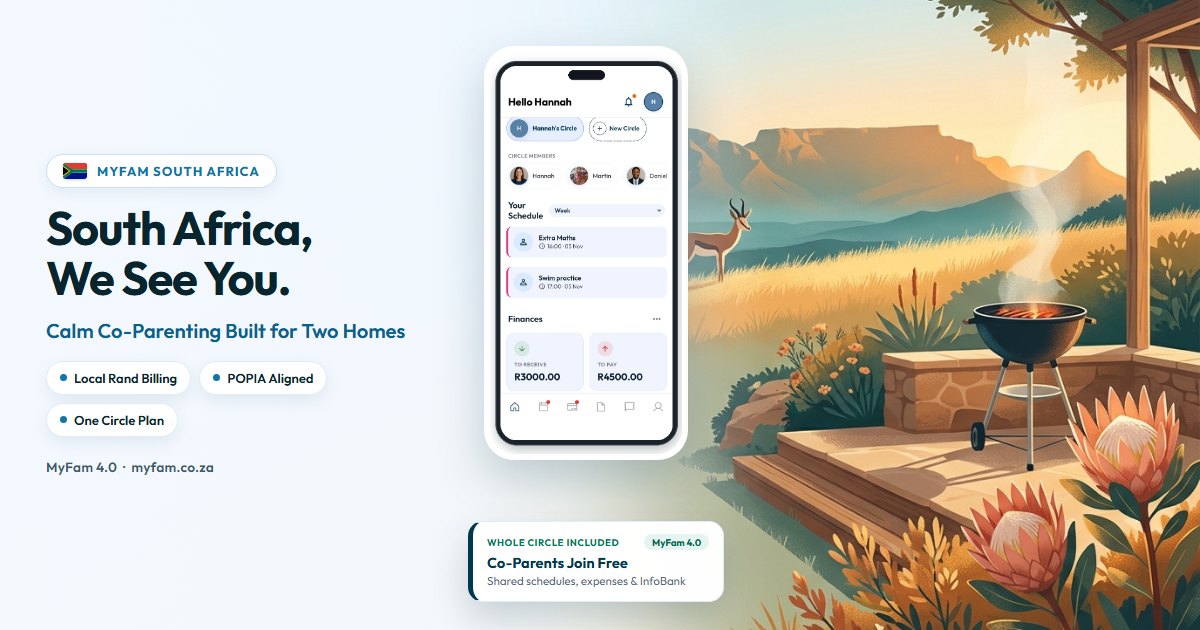
MyFam tracks recurring child support or maintenance arrangements in their own dedicated section, apart from shared ad-hoc expenses like medical gap bills, school uniforms, camps, or extra tutoring. You can attach proof-of-payment screenshots or receipts directly to entries so financial conversations stay factual.
Can I export financial statements for budgeting, mediation, or an attorney?
Yes. You can export chronological financial statements for your chosen date range directly to PDF or CSV from the Finances and Statements area. These organized reports help families, bookkeepers, mediators, and attorneys review totals and payment histories without sorting through chat screenshots.
How do school or partner promo voucher codes work?
Partner schools and community organizations can request a zero-cost MyFam voucher code for parents in their community. Inside the app, parents tap “Have a school or promo voucher code?” on the subscription screen (or open Settings > Vouchers) and enter the code to activate complimentary access. Schools interested in partnering can email hello@myfam.co.za.
Chat Logs, Privacy & Legal Practitioners
Can messages in MyFam Chat be edited or deleted later?
No. Once a message is sent inside a MyFam Family Circle chat, it cannot be edited or silently removed. Keeping messages chronological and unalterable reduces misunderstandings and helps both parents communicate calmly about their children.
What happens to my records if someone leaves or is removed from a circle?
Rather than erasing your family’s history, MyFam activates Read-Only Historical Archive Mode for that membership window. You retain secure read-only access to the chat logs, calendar history, documents, and statements created while you were an active member of the circle.
Can a family lawyer, divorce mediator, or social worker join our circle?
Yes. Parents can invite an attorney, divorce mediator, parenting coordinator, or social worker as a Third Party inside the Family Circle at zero cost to the practitioner or firm. Invited professionals join using their email invite code to review chronological circle records without needing a firm subscription.
How does MyFam protect children’s information and privacy?
MyFam supports biometric login (Face ID and fingerprint sign-in) and builds explicit consent checkpoints into onboarding, including Section 35 guardian confirmation under South Africa’s POPIA and Children’s Act, Australian Privacy Principles alignment, and applicable local privacy law. Please note that MyFam is a coordination and record-keeping platform and does not provide legal advice or guarantee evidentiary admissibility in any specific court.
Getting Started, Devices & Support
Which phones and app stores support MyFam 4.0?
MyFam 4.0 runs on iPhone, iPad, Android, and Huawei devices via official listings on the Apple App Store, Google Play Store, and Huawei AppGallery. Both homes do not need the same brand of phone to stay synced.
How does an invited co-parent, caregiver, or practitioner accept an invite?
When an organizing parent adds you to a Family Circle, MyFam emails a 5-digit invitation code explaining that you join free under their plan. Download MyFam from your store, tap “I was invited” on the welcome screen, enter your email address and 5-digit code, and set your password.
How do I contact MyFam support or request a school partner code?
Email our founding team directly at hello@myfam.co.za for account help, co-parent invite questions, practitioner overviews, or school voucher requests. You can also explore our regional guides for South Africa, Australia, and Canada, read Why General Family Organizers Fall Short, or return to the MyFam Homepage.
Legal notices: Privacy Policy · Terms and Conditions · Contact: hello@myfam.co.za