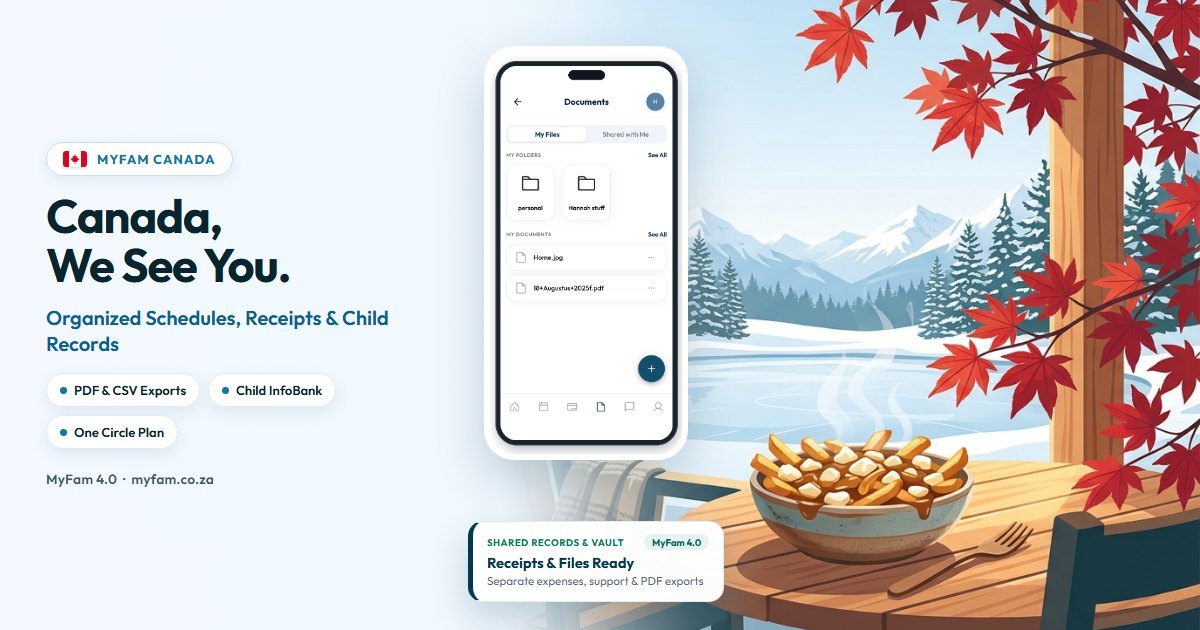
Parenting across two Canadian homes comes with moving pieces all year long: early morning hockey or skating rinks, snow-day pickup adjustments, summer camp registrations, PA days, and tracking Section 7 extraordinary expenses cleanly alongside monthly support.
Where Canadian Co-Parents Run Into Friction
Between provincial school calendars, extracurricular gear costs, dental or orthodontics invoices, and childcare receipts, keeping everything organized in text threads and scattered spreadsheets gets overwhelming quickly. When one parent asks the other to pay for yet another app just to accept schedule updates, simple coordination often stalls before it starts.
How MyFam Keeps Both Households Aligned
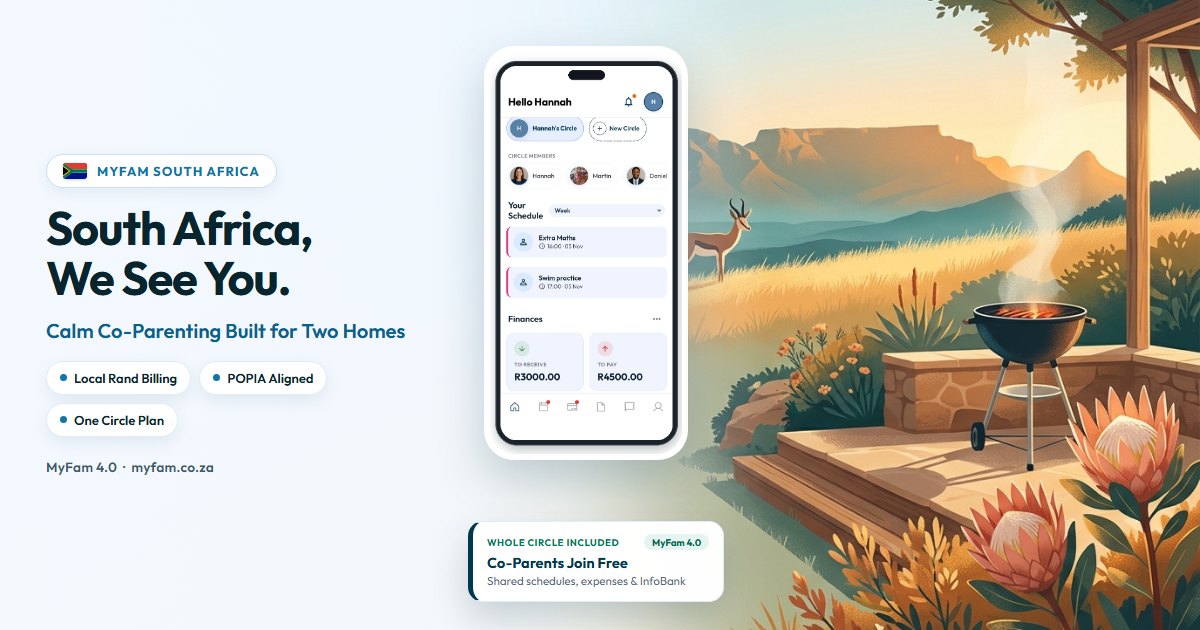
- One Circle Plan Covers Both Parents and Caregivers: One organizing parent subscribes at local Canadian pricing inside the Apple App Store, Google Play, or Huawei AppGallery. Your co-parent, step-parents, children, grandparents, sitters, and optional read-only mediators or family lawyers join at zero extra cost.
- Keep Section 7 Expenses Separate From Monthly Support: Log shared extraordinary costs (childcare, medical and dental bills, tutoring, summer camps, and seasonal sports) with attached receipts directly alongside recurring child support records, and export audit-ready PDF or CSV statements whenever you need them.
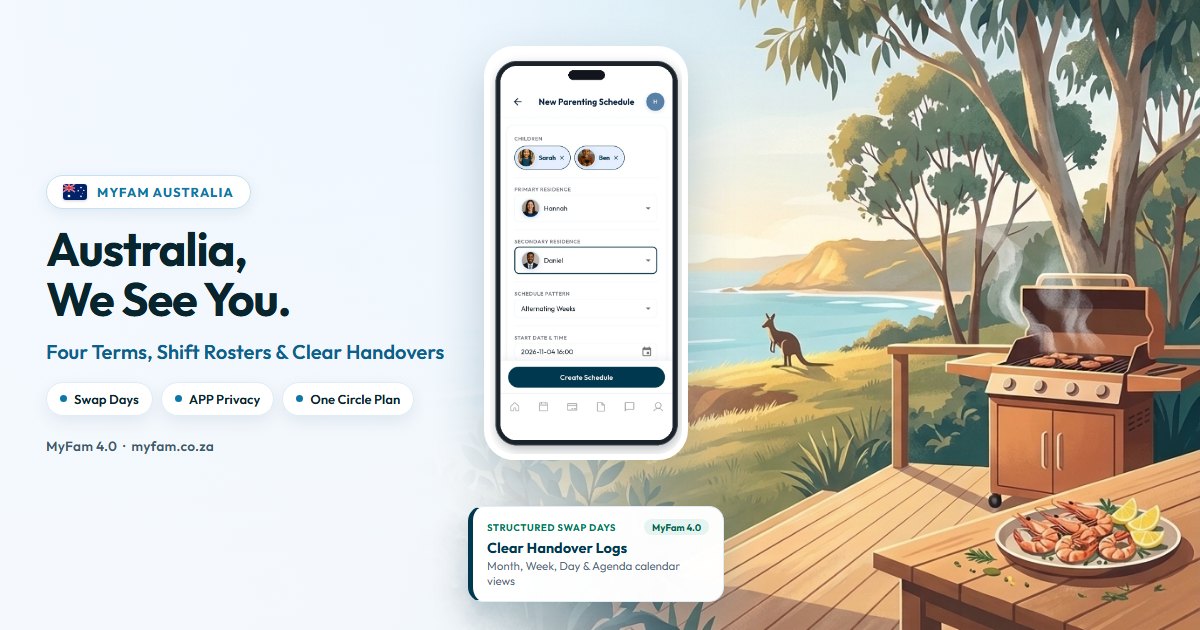
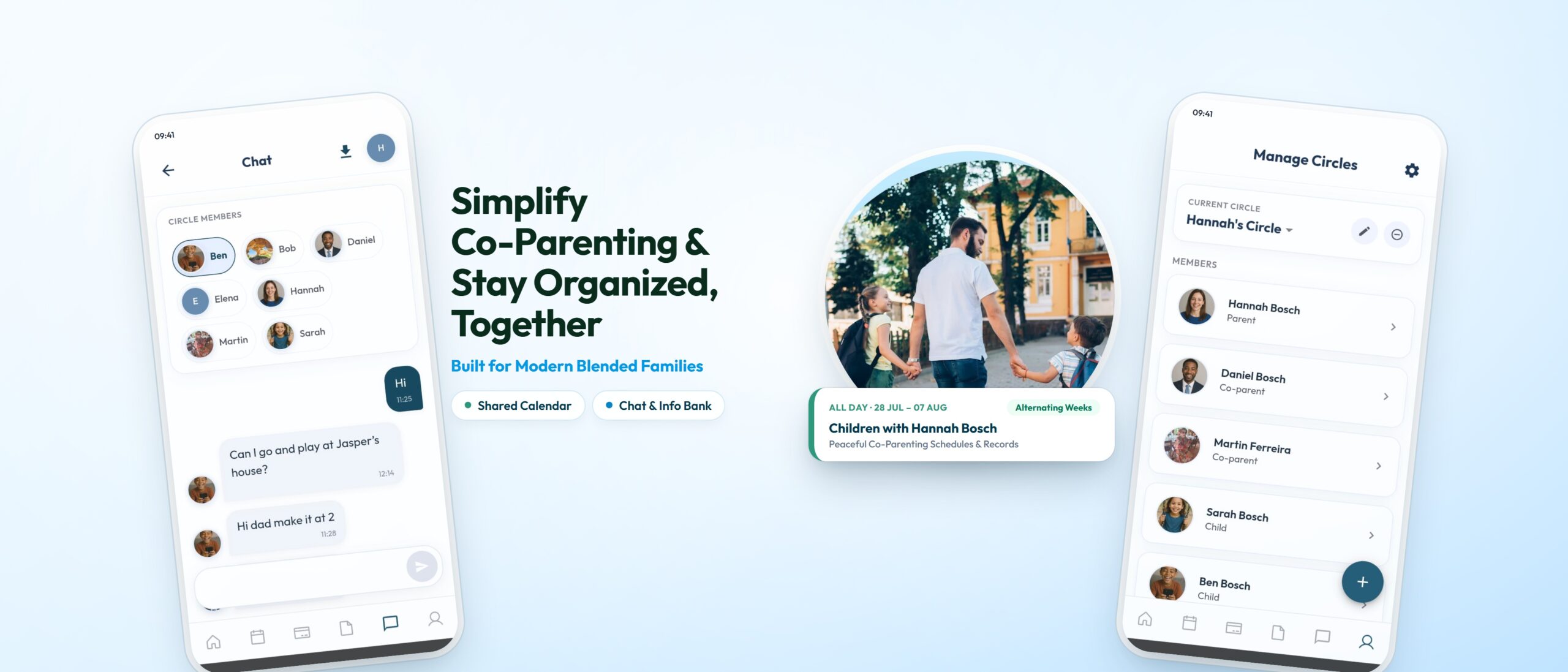
- Clear Custody Rotations and Winter Swap Requests: Switch across Month, Week, Day, and Agenda views for alternating weeks, 2-2-3 rotations, or holiday schedules. When winter weather or tournament weekends require a change, send a structured Swap Days or transport request with timestamped approve-or-decline history.
- Child InfoBank for Health Cards and School Contacts: Store provincial health card details, pediatricians, allergies, prescriptions, school contacts, and permission files in shared folders accessible to authorized household members anytime.
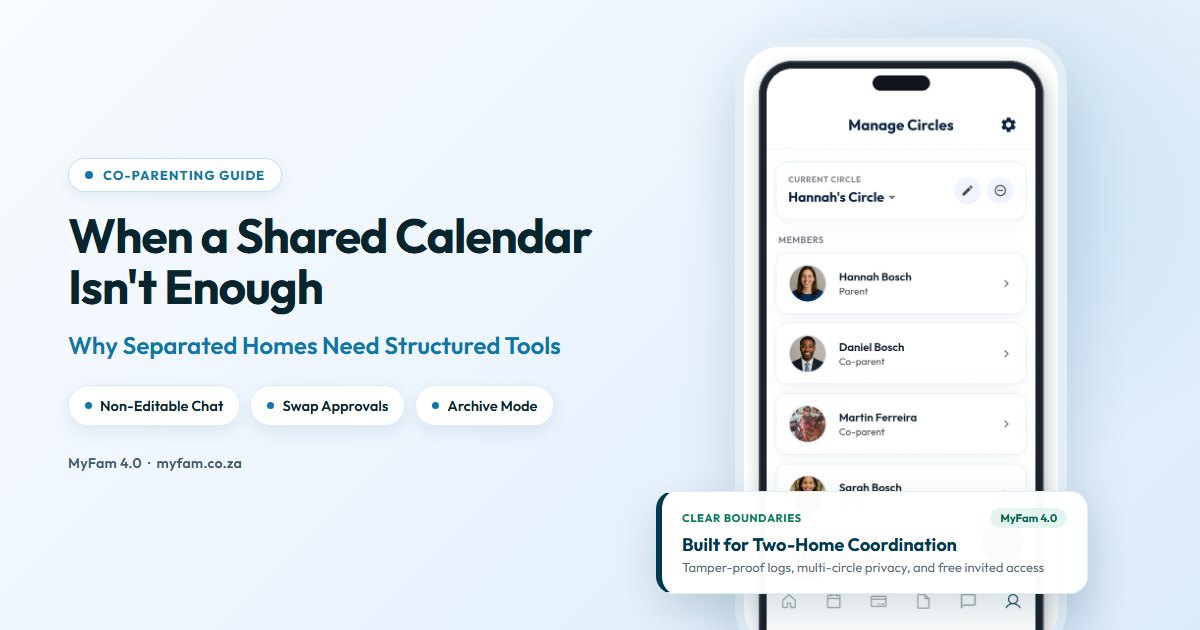
- Tamper-Proof Chat and Blended Multi-Circle Support: Messages cannot be edited or deleted once sent, keeping communication calm and accountable, while multi-circle switching supports blended households from one login.
Calm Structure Day or Night
MyFam 4.0 includes Harmonious Family Light Mode and Serene Midnight Dark Mode for late-evening planning after bedtime, biometric sign-in, and Historical Archive Mode so active-period records remain available in read-only view if circle membership ever changes.
Bring Your Family Circle Onto One Page
Download MyFam on Apple App Store, Google Play, or Huawei AppGallery to see your local Canadian rate and invite your co-parent for free.
Questions? Reach us at hello@myfam.co.za, or visit our Homepage, Privacy Policy, and Terms and Conditions.